$5/ monthMetering draws on this amount.
- Usage up to the plan amount is included
- Usage beyond it is billed at the end of the month
- What you do not use does not carry over
Virtual servers, Kubernetes, private networks and object storage, running in our own datacenters. You pick a monthly plan, and usage is metered by the hour against it.
The plan is a fixed monthly amount. Usage beyond it is billed at the end of the month, and what you do not use does not carry over.
$ z9 servers create --name web-1 \ --package m --image ubuntu-24.04 job_01m1r8 queued alloc_ip → choose_node → clone → configure → startrunning web-1 10.192.0.11 38s $ z9 mcp call servers_power --id web-1 --action reboot? reboot web-1 (y/N) Servers, networking, storage and domains all draw on the same plan.
Pick one of the Core VPS plans or set vCPU and memory yourself. SSD is included.
See the productManaged Talos clusters. We operate the control plane, the worker pool stays yours.
See the productServers boot on an isolated private network. Every port that opens outwards is a rule you wrote.
See the productTerminate TLS at the edge and spread traffic across healthy nodes.
See the productS3-compatible stores. In a three-node setup every object lives on three separate disks.
See the productAttach a public address, manage your domain from the panel, let the load balancer fetch the certificate.
See the productThe images are regenerated from the panel itself on every release, never drawn by hand.
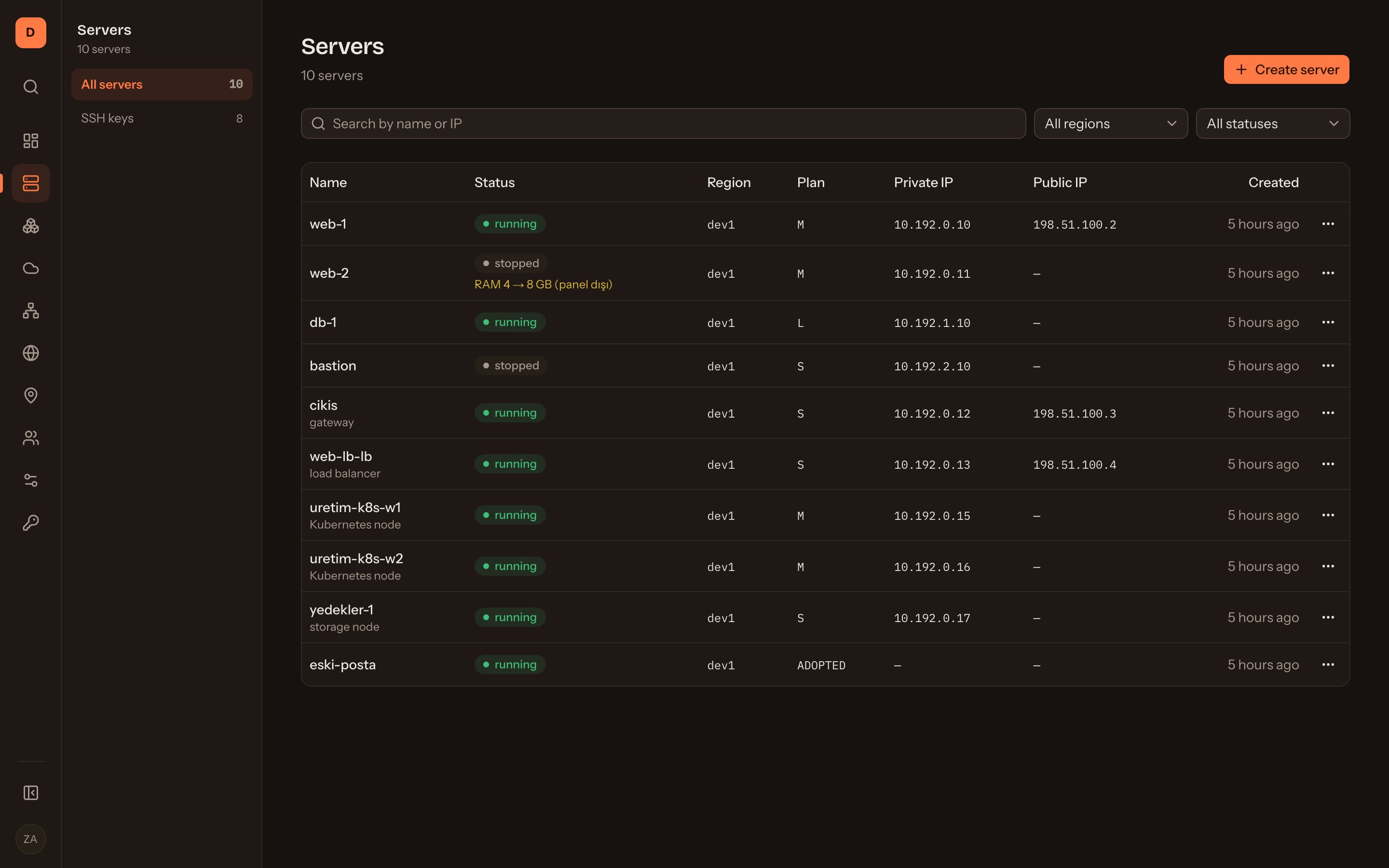
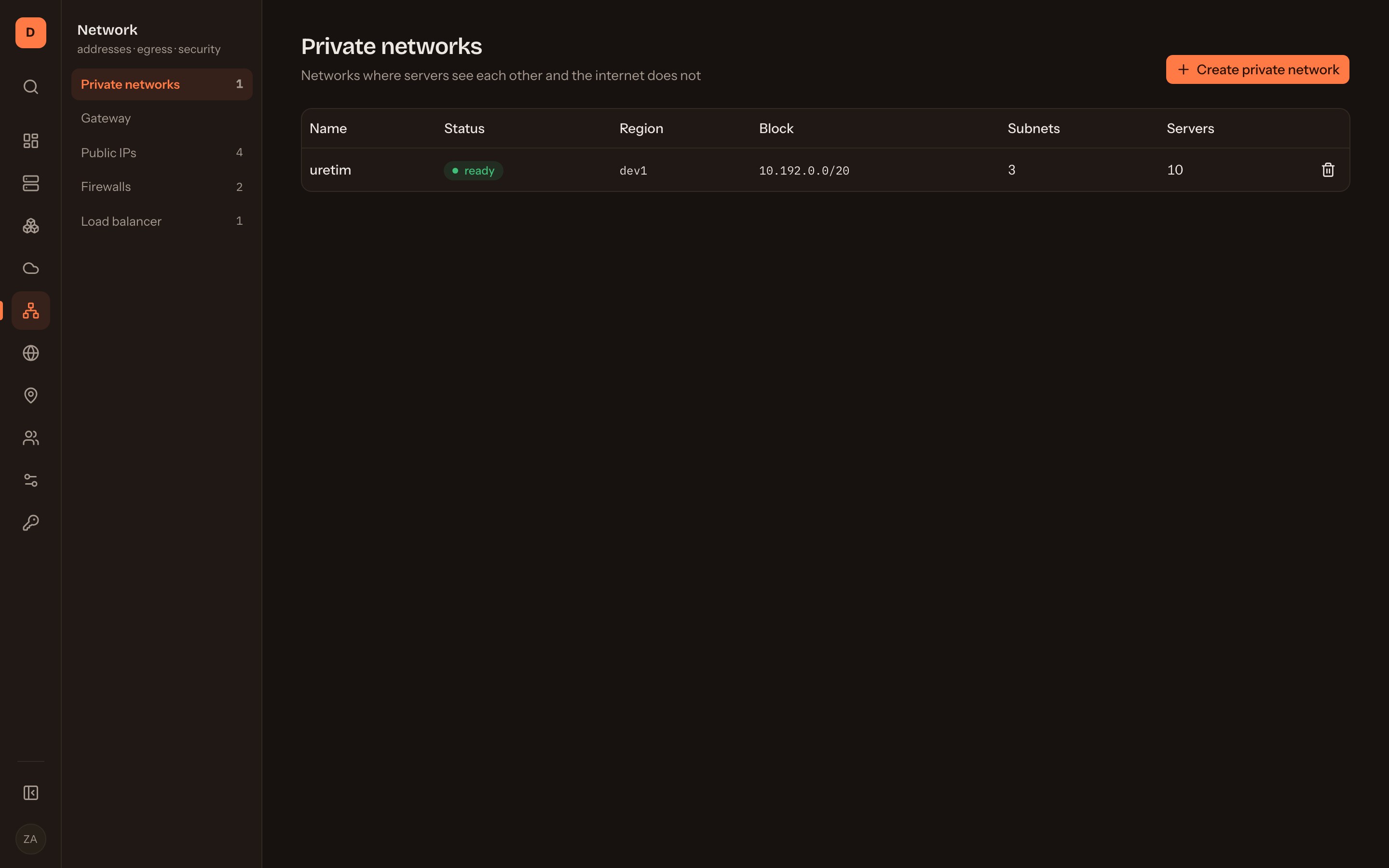
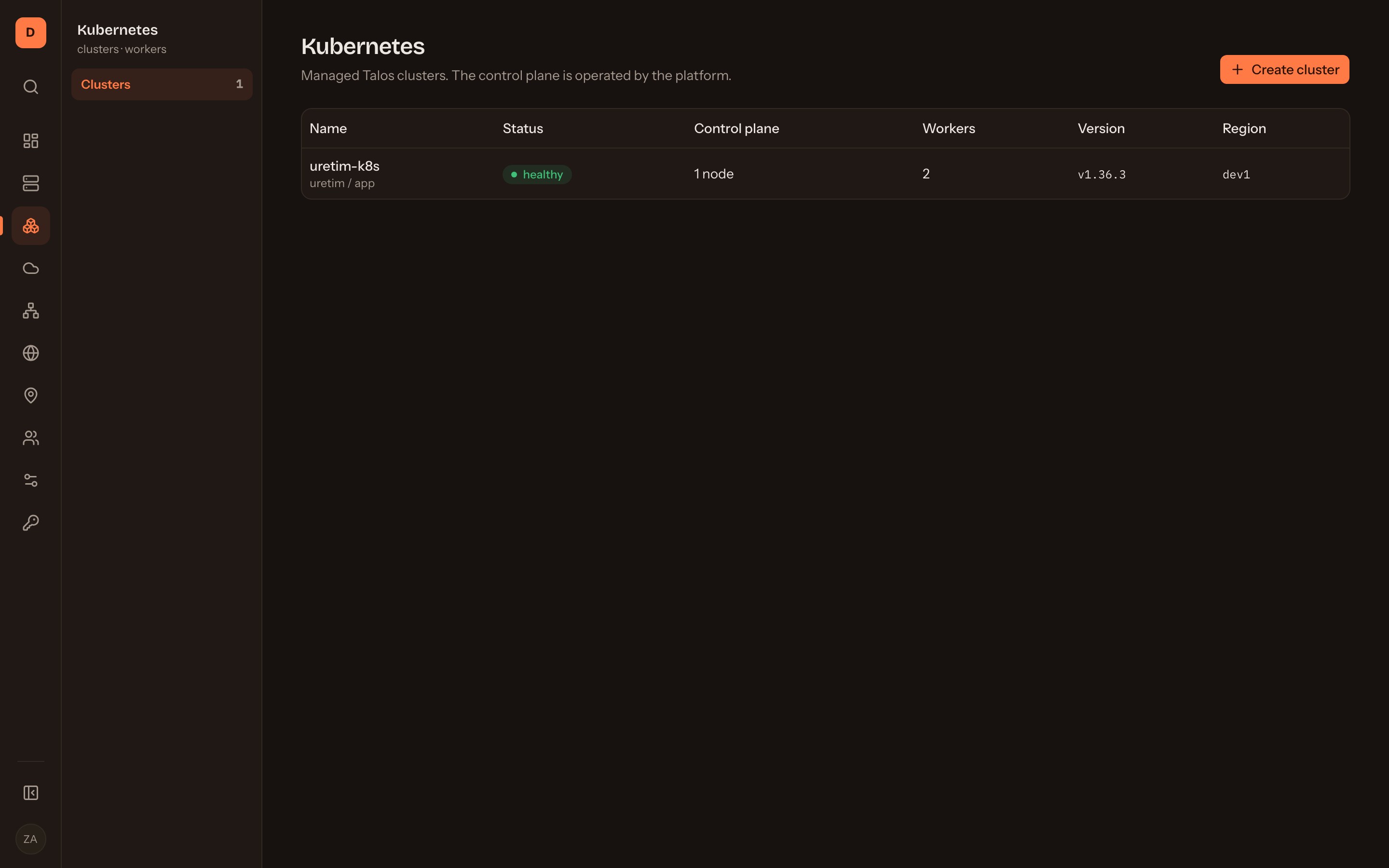
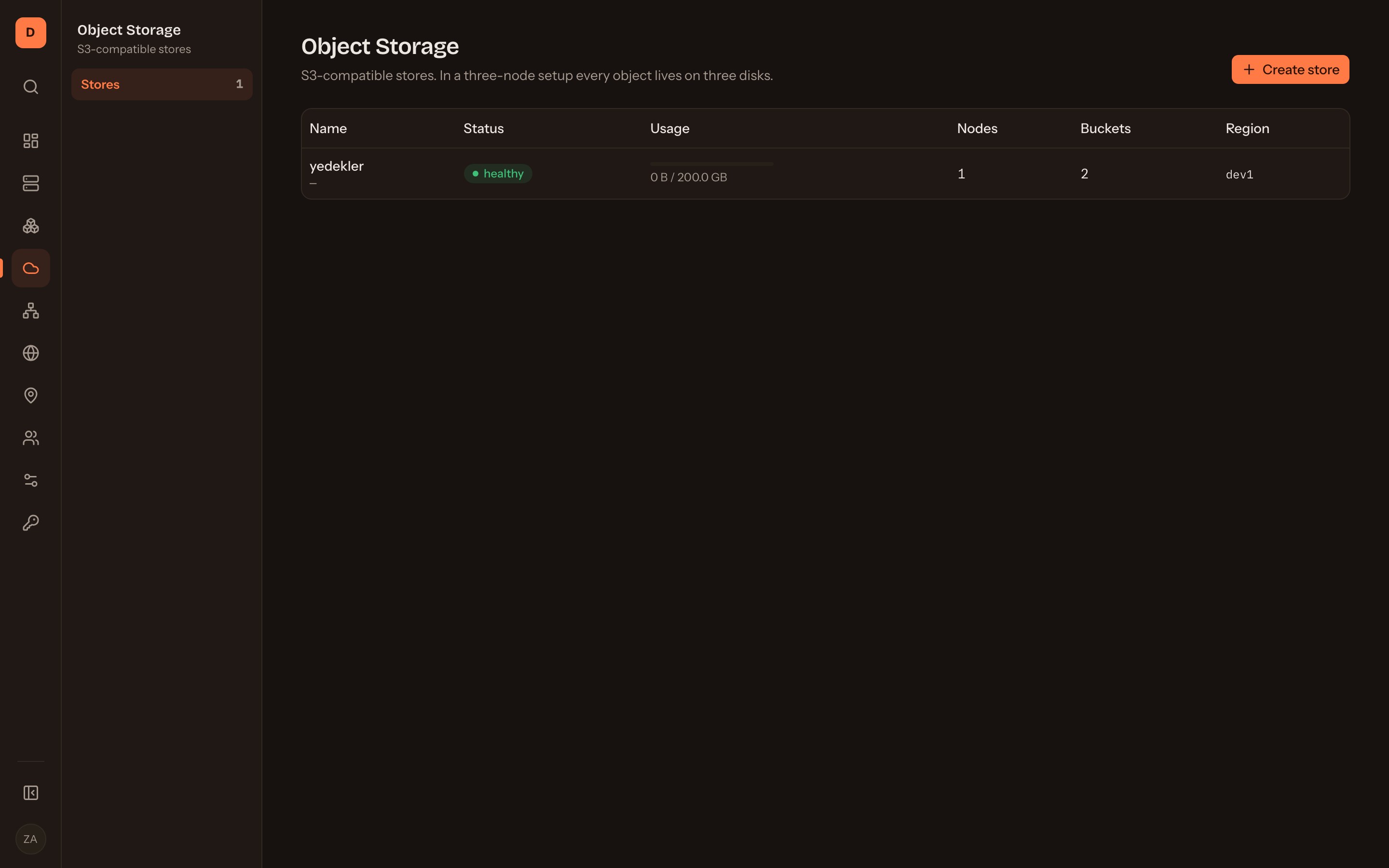
$5, $20, $100. The amount is fixed monthly and usage draws on it.
Pick one of the packages or set vCPU and memory yourself. SSD is included, and the figure updates on screen as you choose.
Metering is hourly. Stop the machine and CPU and memory stop with it; usage beyond the plan is billed at the end of the month.
The plan covers that much usage. Metering is hourly, 730 hours to the month, and SSD is included.
Overage is calculated at the same multipliers the meter uses; there is no separate tariff.
A package is not bought separately: it is the size of the machine, metered hourly and drawn from your plan.
The figures assume the machine runs all month without stopping. Every shape in between is available too.
A GB of memory costs ten times a vCPU. While a machine is stopped, nothing is written.
Pick a package or set the sliders yourself.
Core VPS is on sale today. Two more series are in the works for workloads that want more power.
For projects that want a high clock speed and dedicated cores.
4–16 vCPU · 8–32 GB. Pricing has not been announced yet.
The highest core and memory limits, for demanding workloads.
16–32 vCPU · 64–64 GB. Pricing has not been announced yet.
Each action in the console maps to an endpoint in the API and an MCP tool in your assistant. You can tell the assistant to restart web-1; write actions ask for confirmation before they run.
If a machine was touched outside the console, the screen says so instead of writing over it. Who did what, from which surface, stays in the audit log.
A destructive action asks you to type the resource name to confirm. Deletion then runs after a buffer, and you can call it off until that buffer is up.
A server boots on an isolated private network. A public address is a separate choice, and a default-deny firewall sits in front of it.
Start on the $5 plan and have a running server within a few minutes.